
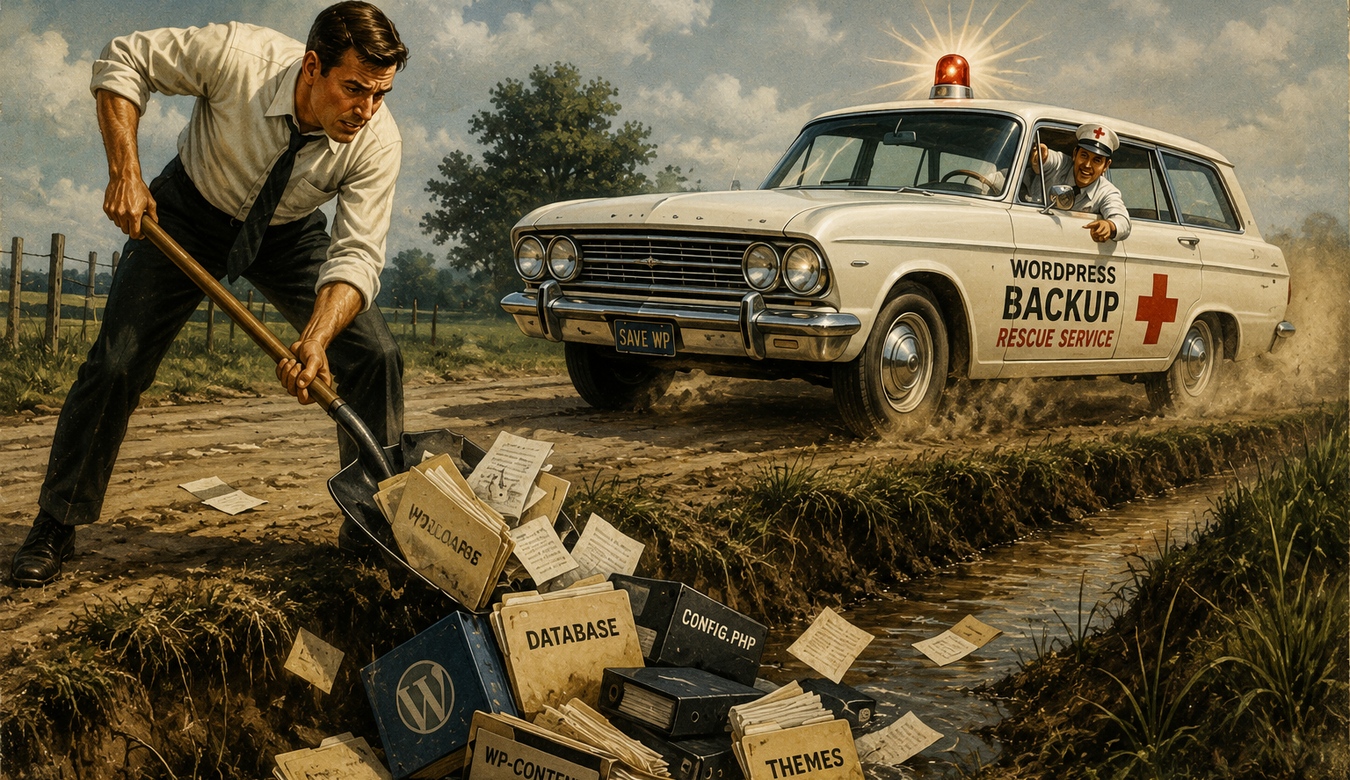
Nobody gets excited about backups. They are not the glamorous part of owning a website. There is no launch party because Tuesday night's database backup completed successfully. But when a website breaks, gets hacked, loses data, or disappears after a bad update, suddenly that boring backup becomes the hero of the entire story.
A WordPress website is more than the pages visitors see. It contains files, themes, plugins, uploads, configuration, and a database holding content, settings, users, orders, form information, and other important data. If something goes wrong, rebuilding all of that manually can range from frustrating to impossible.
Backups are not an optional extra. They are part of responsible website ownership.
1. Websites Do Break
Most of the time, WordPress behaves exactly as expected. Then one day an update conflicts with a plugin. A file becomes corrupted. Someone deletes the wrong thing. A server has a problem. Malware modifies the installation. A database operation goes badly.
The question is not whether every website will eventually experience a catastrophic failure. The question is whether you have a recovery plan if something important does happen.
“The host probably has a copy somewhere” is something you want to confirm before the website is down — not after.
2. A Real Backup Needs the Whole Website
Backing up only the WordPress files is not enough. Much of the information that makes the site unique lives in the database. Depending on the site, that can include pages, posts, users, settings, ecommerce information, membership records, form entries, and plugin configuration.
A useful backup strategy normally considers both the files and the database so the website can actually be reconstructed.
Think of it like moving house. Saving the furniture but forgetting the boxes containing all your documents is not a complete move.
3. Do Not Keep Your Only Backup Beside the Website
If the live site and the only backup are stored in exactly the same place, one hosting problem can potentially affect both.
That is why off-site or separate backup storage matters. Depending on the environment, backups may be copied to separate cloud storage, another server, or a managed backup platform.
The principle is simple: if the website's home disappears, the rescue copy should not disappear with it.
4. How Often Should You Back Up?
It depends on how quickly the website changes. A small brochure site updated once a month has different needs from a WooCommerce store receiving orders throughout the day.
Ask yourself how much information you could afford to lose. A weekly backup means a failure on Friday could potentially send you back to the previous week. For an active store or membership site, that could be unacceptable.
Backup frequency should reflect the value and frequency of the data being created.
5. One Backup Is Not a Backup History
Imagine malware enters a website quietly and is not discovered for two weeks. If every new backup immediately replaces the previous one, your “backup” may simply be another copy of the infected site.
Retention gives you multiple restore points. Daily, weekly, or monthly copies can provide options when the newest backup is not the one you want.
How long those copies should be retained depends on the site and available storage, but having history can be extremely valuable.
6. The Most Important Backup Question: Can It Be Restored?
A backup is only useful if it can be recovered. Files can be incomplete. Archives can become corrupted. Automated jobs can silently fail. Credentials for remote storage can expire.
This is why a professional backup process includes monitoring and, where appropriate, restore testing. You want confidence that the recovery process works before an emergency.
A green “backup completed” message is reassuring. A verified recovery plan is better.
7. Back Up Before Major Changes
Routine WordPress updates are important, but major changes deserve an extra safety net. Before a significant plugin update, theme change, PHP upgrade, migration, database cleanup, or custom development deployment, create a current recovery point.
Most updates go smoothly. The backup is there for the one that does not.
It is the digital equivalent of knowing where the spare tire is before starting a long drive.
8. Backups and Security Work Together
A backup does not prevent malware, stolen credentials, or an attack. It should never replace proper security. But recovery is an important part of security planning.
If an incident damages the site, a known clean backup may help restore content and files after the cause of the compromise has been identified and addressed.
The words known clean matter. Restoring an infected backup can simply restore the problem. Security incidents require investigation, cleanup, credential changes, hardening, and monitoring — not just pressing a restore button and hoping for the best.
9. “My Hosting Company Does Backups” — Great. Ask More Questions.
Many hosting providers offer backups, and that can be an excellent layer of protection. Find out how often they run, how long they are retained, whether databases are included, where copies are stored, and how restoration works.
Also understand whether backups are guaranteed by your plan or offered as a best-effort service.
For an important business website, having a backup strategy you understand is much more comfortable than discovering the details during an outage.
10. What Would Losing the Website Actually Cost?
The value of a backup is easier to understand when you consider the alternative. How long would it take to rebuild the site? Do you still have every image? Who has the latest copy of the content? Could customer orders or membership data be recreated? What happens to enquiries while the site is offline?
The cost is not only technical. Downtime affects customers, staff time, reputation, sales, advertising, and momentum.
A dependable backup system is inexpensive compared with reconstructing a business website under pressure.
11. Not Sure Whether Your Site Is Properly Backed Up?
You do not need to know the answer before contacting us. In fact, “I think my host backs it up, but I'm not sure” is a perfectly good reason to have the setup reviewed.
Call or email ANJ Design. We can look at where the website is hosted, what backup systems already exist, how frequently the site changes, and what would be needed to recover it.
Maybe your current setup is already excellent. Great — we will tell you. If there are gaps, we can help put a more dependable plan in place.
12. How ANJ Design Can Help
ANJ Design can help with WordPress backup planning, automated backups, off-site storage, retention, migration backups, server snapshots where appropriate, and recovery planning.
Backups can also be included as part of broader website care alongside WordPress updates, server maintenance, security, monitoring, and performance reviews.
The objective is not to make backups another technical chore for the business owner. It is to make them something that quietly happens in the background — and is ready when needed.
13. The Best Backup Is the One You Never Need — but Know You Have
Hopefully, you never experience a serious website failure. Hopefully, no update breaks the site, no malware damages the installation, no server fails, and nobody ever deletes something important.
But businesses do not protect important assets based entirely on hope.
A good backup strategy gives you options. It gives your developer options. It turns some disasters into recoverable interruptions.
So make the backups, keep more than one restore point, store copies safely, and know how recovery works.
And if you are not sure where to start, call us or send us an email. We're here to help.
Call or email ANJ Design. We can review your current backups, explain what you already have, identify any gaps, and help build a recovery plan you can depend on.