
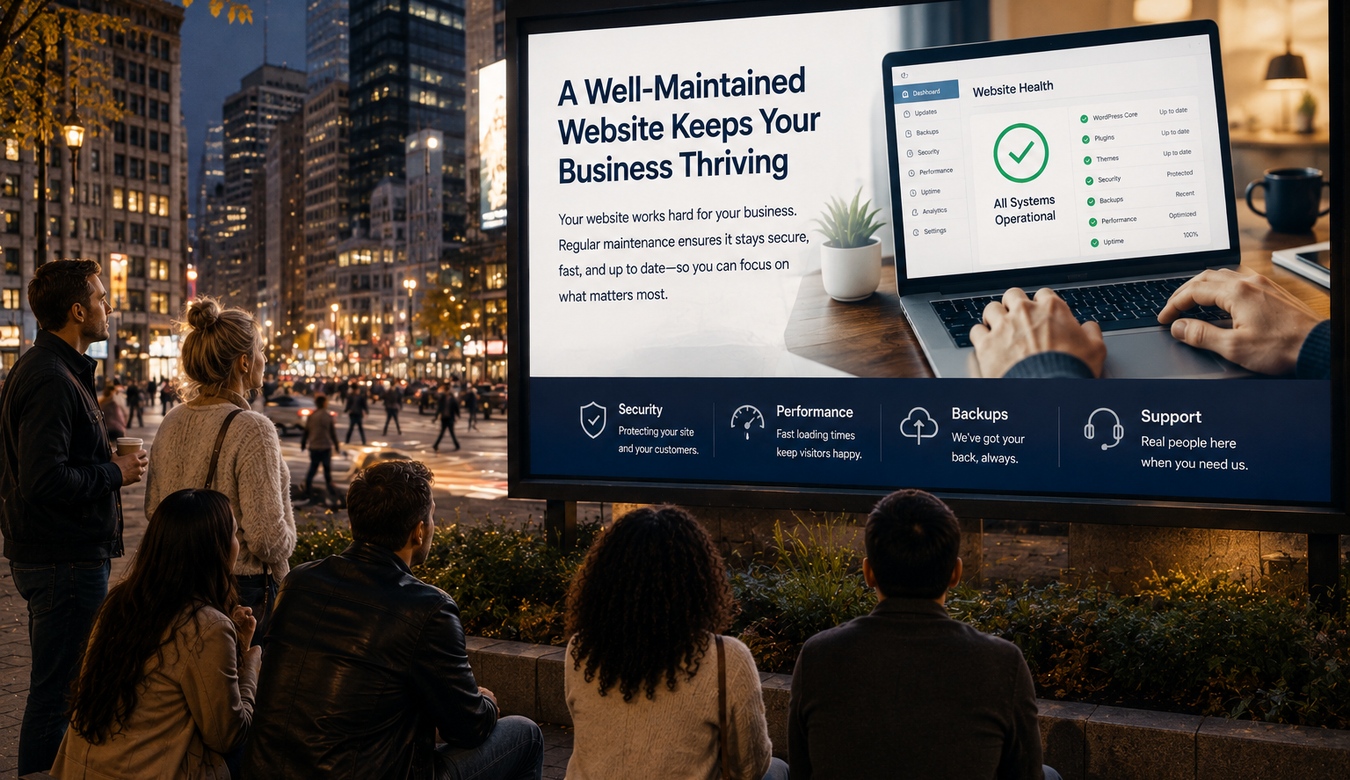
A website is one of those business assets that can look completely fine while quietly needing attention underneath. The homepage loads. The logo is there. Nobody has called to complain. It is tempting to think, “Great — website done.”
But websites are software. WordPress changes. Plugins change. Browsers change. PHP changes. Hosting environments change. Your business changes. Even the way customers use the site changes.
Website maintenance is simply the ongoing work that keeps all of those moving parts healthy, current, secure, and useful.
1. A Website Is Not a One-Time Purchase
Think about the other systems your business relies on. Vehicles get serviced. Computers receive updates. Buildings need maintenance. Accounting records are reviewed. Equipment is inspected.
Your website deserves the same mindset. Building it is the beginning of its useful life, not the end of your involvement with it.
Small, regular attention is usually far easier than waiting until several years of neglected issues arrive at once.
2. Updates Matter — but They Should Be Managed
WordPress core, plugins, themes, and server software receive updates for security, compatibility, features, and bug fixes. Leaving everything untouched indefinitely is not a good maintenance strategy.
At the same time, “update everything and hope” is not especially sophisticated either. Important websites should have current backups, compatibility considered, and critical functions checked after meaningful changes.
If the site processes orders, memberships, forms, bookings, or other business activity, testing matters.
3. Backups Are Part of Maintenance
A backup gives you somewhere to go when something goes wrong. That could be a failed update, accidental deletion, server issue, database problem, or security incident.
Good maintenance means knowing that backups are actually running, understanding what they contain, keeping appropriate restore points, and storing copies safely.
“I think the hosting company does that” is worth turning into a definite answer.
4. Security Needs Ongoing Attention
Installing a security plugin does not freeze the website in a permanently secure state. New vulnerabilities are discovered. Passwords change. Administrator accounts are added. Old plugins become abandoned. Bots continually probe public websites.
Maintenance includes keeping software current, reviewing access, removing unnecessary components, maintaining the hosting environment, monitoring suspicious activity, and responding when something does not look right.
Security is not about creating fear. It is about reducing avoidable risk.
5. Websites Can Slowly Gain Weight
Websites have a funny habit of becoming heavier over time. Someone adds a plugin. Marketing adds a tracking script. New photos are uploaded directly from a phone. Another font appears. A chat widget gets installed. Nobody removes the old integration.
Individually, these changes may seem harmless. Together, they can gradually make the site slower and more complicated.
A maintenance review can identify unnecessary plugins, oversized images, database clutter, caching problems, hosting limits, and third-party scripts that no longer provide enough value.
6. Test the Things That Make You Money
One of the simplest maintenance tasks is also one of the most overlooked: actually use the website.
Submit the contact form. Test the quote request. Click the phone number on mobile. Try the checkout. Confirm notification emails arrive. Check important links. Log in as a customer if the site has accounts.
A form can look perfectly normal while messages quietly stop reaching the inbox. You do not want a customer to be the person who discovers that.
7. Maintenance Includes the Information People See
Technical maintenance keeps the machinery running. Content maintenance keeps the business accurate.
Are your hours correct? Are staff members current? Do you still offer every service in the menu? Are prices or policies outdated? Does the footer show an old year? Are project examples five years behind the work you do today?
Current content tells customers there is an active business behind the website.
8. Hosting Should Be Reviewed as the Site Grows
The hosting plan that was perfect when the website launched may not always remain the right fit. Traffic grows. Ecommerce is added. Membership systems appear. Databases become larger. Resource requirements change.
Good maintenance watches the environment as well as WordPress. Recurring CPU limits, memory problems, 503 errors, slow administration, failed scheduled processes, or frequent timeouts may indicate that the hosting needs attention.
Sometimes optimization solves the problem. Sometimes the website has simply outgrown the server it started on.
9. Maintenance Supports SEO Too
Search optimization is not something you sprinkle onto a website once. Broken links appear. Pages change. New services need content. Images need optimization. Redirects become necessary. Search behaviour evolves.
Keeping the website technically healthy, fast, mobile-friendly, well structured, and current supports the broader SEO effort.
Maintenance also gives you opportunities to improve older content rather than endlessly creating new pages nobody maintains.
10. How Often Should a Website Be Maintained?
There is no single schedule for every business. A small brochure site may need less attention than a busy ecommerce store or membership community. But “never unless it breaks” is rarely the ideal schedule.
Some items may be checked daily by automated systems. Others make sense weekly, monthly, quarterly, or before major changes.
The important thing is having a routine and knowing who is responsible for it.
11. You Do Not Need to Become Your Own IT Department
Business owners often feel they should understand every technical detail because they own the website. You really do not need to.
You should know who manages it, where it is hosted, whether it is backed up, and who to contact when something goes wrong. Beyond that, your time may be far better spent running the business.
You do not need to diagnose PHP errors, compare database tables, inspect server logs, or wonder whether a plugin update is safe at 10:30 on a Friday night.
12. How ANJ Design Can Help
ANJ Design can provide ongoing website care that looks at the whole environment rather than one small piece of it. That can include WordPress updates, backups, security, hosting and server review, performance, plugin health, forms, technical troubleshooting, and general website upkeep.
If your website has not been reviewed in a while, we can start with what you already have. Maybe everything is in good shape. Maybe there are a few overdue updates. Maybe the site needs a performance tune-up or better backups. Maybe the hosting has become the bottleneck.
You do not need to diagnose it before contacting us. Call or email and tell us what you are seeing — or simply tell us you want somebody to give the website a proper checkup. We're here to help.
13. Give Your Website Someone Who Looks After It
The best maintenance is often invisible. Updates happen safely. Backups are there. Forms continue working. Security is monitored. Performance stays healthy. Small problems are addressed before they become large ones.
That is the point. Your website should support the business, not periodically surprise it with an emergency.
If nobody is currently responsible for maintaining your site, this is a good time to change that. It does not need to be complicated.
Pick up the phone or send us an email. Tell us about the site. We'll take it from there.
If the answer is “nobody right now,” call or email ANJ Design. We can review what you have, explain what needs attention in plain language, and help keep the site healthy going forward.